

How can I convert my old website to WordPress easily
WordPress is a powerfull webite designing and development tool used to deploy over 40% of website around the world. It is verry efficient tool since it is easy to use, powered by drag and drop features and uses variety of plugins to accomplish different tasks, and good thing it is free to use and as a beginner or non developer can use it and get a functional website. If you want to convert your old website to wordpress it is very easy to do so. There are various ways to so, but it varries depending on how you developed your website before (Techsatack used). Here are the ways you can change your website to wordpress.
Option 1: Redesign With Elementor
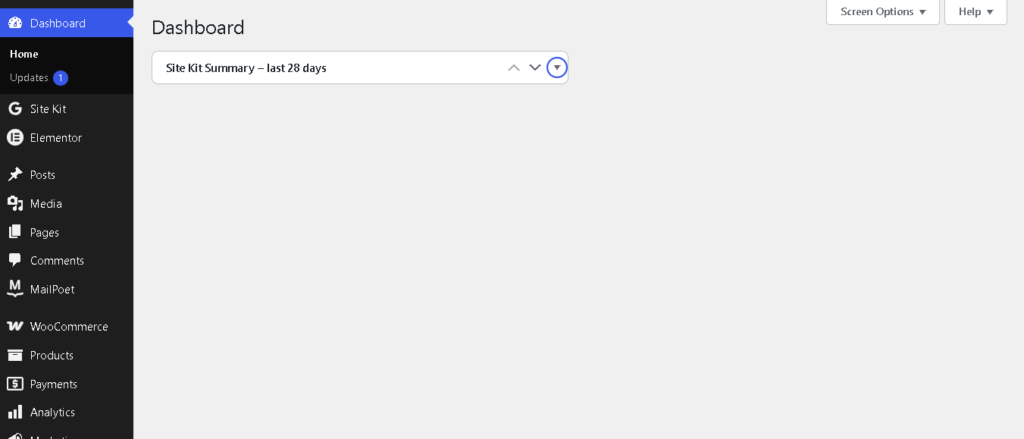
The first way to do it is to start fresh with designing. All you need is to install wordpress, add a new theme such as blocksy, hello elementor, astra, kadance or any theme of your choice. From there you can set your global colors, fonts, and styles. Add your sidebars and other related widgets, add your header and footer section then start developing your old site step by step. It is very easy and you can do it with Elementor page builder a simple to use developing tool.
Elentor works with blocks, you can add everything with blocks structure (div). You will give it a nice look as it is in CSS, you can change colors, fonts, padding,margins, spacing and borders. After that you connect with plugins that will help you boost your speed, security and backup your data. That is essential part after you have done with development of your old website with WordPress.
Option 2: Convert your HTML Codes to PHP (Best for developers)
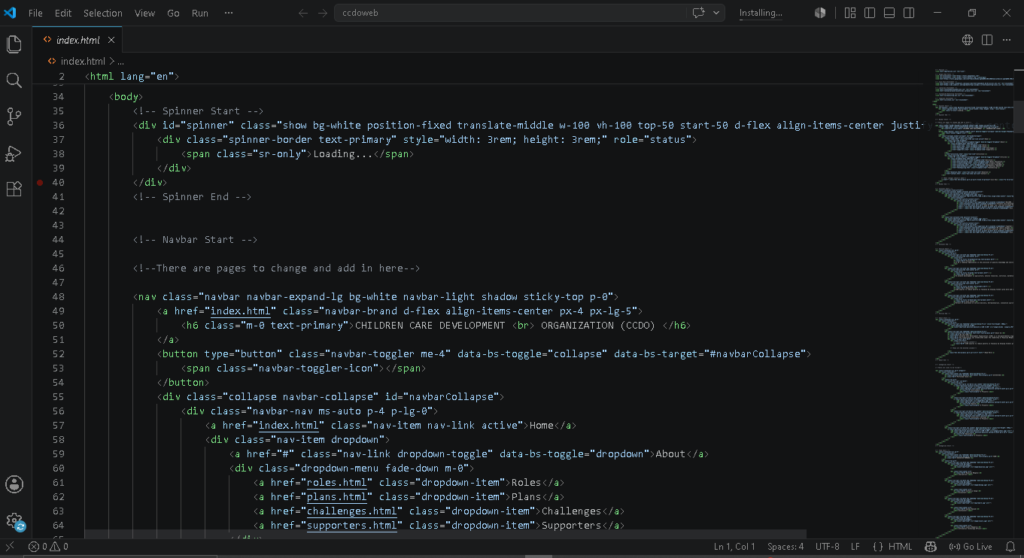
The other option is to convert your HTML5 cddes to PHP. WordPress uses php therefore converting your wordpress to PHP will be the best option. Start with conveting the index file from “index.html” to “index.php”. This tells your site is made from php a compartible wordpress language. At this stage the you have to split the sections to wordpress compatible language (PHP). For example “header.php, footer.php,sidebar.php, function.php, style.css, archieve.php, post.ph etc”. From here you need to replace static website to wordpress functions e.g
<title>My Website</title>
To
<title><?php wp_title(); ?></title>
					<ul>
    ...
</ul>
To
					<?php
wp_nav_menu();
?>
Create a Theme for Your Site
After converting your website to php it is not that your site is complete, it means you have just made a prior step to convert your old webstite to wordpress. The next step is to create your theme by going to wp-content/themes/my-theme then move all your files into the folder. Afterv that break the files into sections compatible to wordpress including, header section, footer section, navigation menu etc. Split them and then make them functional by creating a functional php to load your css and javascript
					<?php

function mytheme_scripts() {

    wp_enqueue_style(
        'style',
        get_stylesheet_uri()
    );

    wp_enqueue_style(
        'main',
        get_template_directory_uri() . '/assets/css/style.css'
    );

    wp_enqueue_script(
        'main-js',
        get_template_directory_uri() . '/assets/js/main.js',
        array(),
        null,
        true
    );

}

add_action('wp_enqueue_scripts', 'mytheme_scripts');
From there register your menus, and replace your hardcoded url so that your them can easily identify your menu. After that you need to convert your website from being static to dynamic by using wordpress loop.
					<?php
if (have_posts()) :
    while (have_posts()) :
        the_post();

        the_title('<h1>', '</h1>');
        the_content();

    endwhile;
endif;
?>
Untill this step your wordpress site is ready you only need to activate your theme, go to theme, find your theme then activate it, you are ready to go. Fter this make your home page as a front page, go to setting- Reading- static page (front page) then choose your home page. Boom you have transfered your website to wordpress.
Option 3: Use HTML Import Plugin
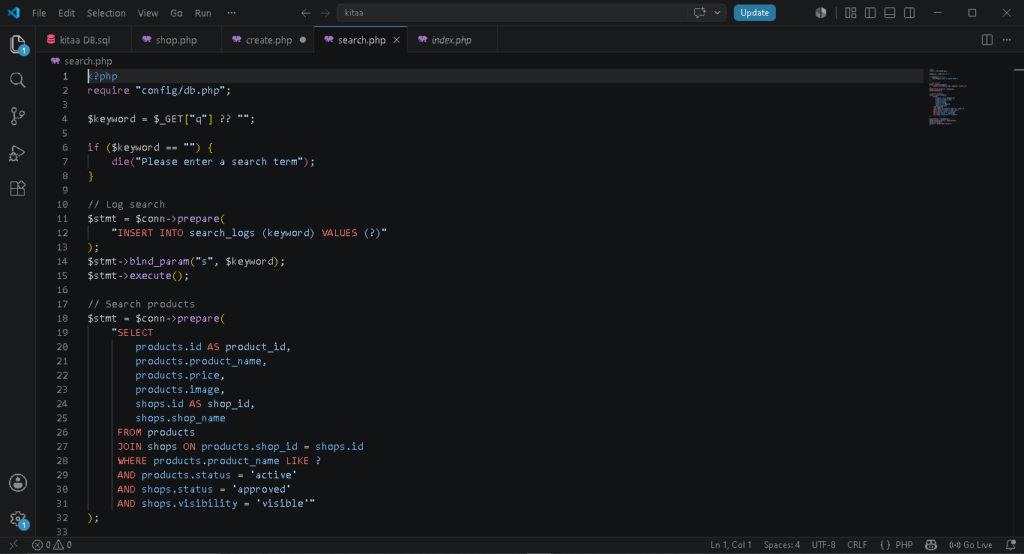
You can install a html import plugins like HTML IMPORT 2 or IMPORT HTML PAGES. These plugins will help you convert your website easily to wordpress, they are free tools which will guide you from start to finish. These plugins are easy to use and beginner friend you only need to be careful following the guides provided for you, one mistake can cost you even more.
Option 4: Use Ai Conversion
We are lucky today we have Artificial Inteligence tools that help us simplify our daily tasks. Thanks to technology, we are able to do things smoothly and simplify our tasks to simple and easy way that we can save our time. With the help of Ai tools like Chatgpt. Lovable Ai or Claude Ai you cann easily prompt your site and generate a ready to upload theme. What you need to do is get your coded file well organized and then upload to either of the Ai tools and then write the prompt to help you get the theme page ready for uploading to your website. You can use the following prompt;
From the uploaded file, convert it to a worpress compatible theme. Check every section of the file and convert it into a ready worpress theme.
After you succesfull uploading your old website to wordpress website make sure you install security plugins, catching plugins and link your website to google. Its very important to make your website indexed by google, you can do it manually or automatic by using the plugins for indexing the site like google site kit, or index now plugin. If you have done it correct then improve SEO for your website, tis is by using SEO plugins like Rank Math or Yoast SEO Plugins. Here is the video for demonstration on how to do it in short.
Want Your Website Improved?
Have old website or outdated website and you want make it look professional? Itslazarus is here to help you rebuild your website to a new and functional website. We help you design and develop your website, increase ranking, improve SEO, security and Speed. We help you grow your online presence.
Related Articles


Join Our Newsletter
Related Articles
In present days we are lucky to have improved technologies. It is not hard to make money as how it was in past years. 21st
WordPress is a powerfull webite designing and development tool used to deploy over 40% of website around the world. It is verry efficient tool since

Canva is among the best tools for graphic design. It is simple to use and yet it is a beginner friendly. You don’t need much